Real-Time Content and Online Hosts

Comparing Video Quality, Chat Timing, and Delay Across Platforms During the Same Livestream

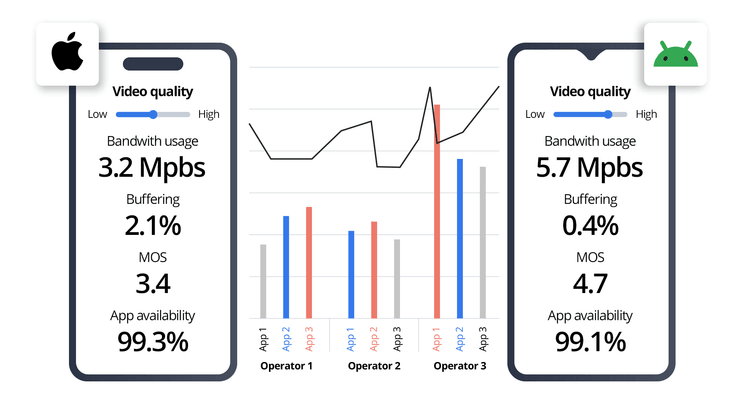
Infographic comparing streaming technical metrics such as bandwidth usage, video quality, and buffering rates across different devices and platforms.

Opening the same livestream on YouTube and Twitch at the same moment can produce surprisingly different results. One window may look sharper during fast motion, another may be several seconds closer to real time, and chat reactions can appear out of sequence even though both platforms receive the same production feed. A fair comparison has to separate three systems: the broadcaster’s outgoing signal, each platform’s video-processing pipeline, and the viewer’s playback environment.

YouTube and Twitch do not necessarily accept, process, encode, buffer, or deliver a live signal in the same way. YouTube currently recommends different ingest bitrates according to resolution and codec, while Twitch publishes its own broadcasting settings and also offers Enhanced Broadcasting with multiple viewer renditions. The result is that “same livestream” does not necessarily mean “same video delivered to the viewer.”

Ingest Signals and Platform-Specific Re-Encoding

The comparison begins with the signal leaving the broadcaster. Suppose an OBS production is rendered at:

1920 × 108060 fpsH.2646 Mbps

If that exact encoded stream is sent to several services, it provides a useful common source. The platforms can still process it differently after ingestion.

YouTube’s current live-encoder guidance, for example, recommends substantially different bitrates depending on resolution and codec. For 1080p60, its published guidance allows AV1 or H.265 within a lower-to-higher bitrate range while recommending a higher H.264 bitrate for the same resolution and frame rate.

Twitch’s conventional broadcasting guidance gives 1080p60 examples around 6 Mbps with CBR and a two-second keyframe interval. Twitch has also expanded Enhanced Broadcasting, where multiple encodes can be provided and different viewer renditions use different resolutions, frame rates, codecs, and bitrates.

These figures describe ingest or rendition guidance, not a guarantee that every viewer will receive exactly that bitrate.

After receiving the source, the platform may create additional quality levels for adaptive playback. Re-encoding changes the image again.

The differences become easiest to see in demanding scenes.

Scene

Compression challenge

Visible result to compare

Static interview

Low motion

facial detail, text edges

Esports camera pan

Rapid full-frame movement

blocks, smearing

Grass or confetti

Fine random detail

loss of texture

Dark concert

Noise and gradients

banding, crushed shadows

Game UI

Fine lines and text

sharpness, ringing

Flashing lights

Rapid luminance changes

macroblocking

Two streams both labeled 1080p60 can therefore look different.

Resolution describes the pixel dimensions. It does not describe how much useful image information survived compression.

A platform allocating a more efficient codec or stronger encoding resources can preserve fine details better than another 1080p rendition. Conversely, repeated transcoding can soften text, hair, grass, smoke, particles, and rapid camera movement even when the resolution indicator remains unchanged.

Source Quality and Viewer Rendition Separation

Three values should be recorded separately:

Production output

What OBS or the broadcast encoder created.

Platform ingest

What was actually transmitted to YouTube, Twitch, or another destination.

Viewer rendition

What the player finally delivered.

This distinction prevents a common diagnostic error.

Suppose OBS reports:

1080p60 / 6 Mbps / zero encoder drops

but a viewer sees 720p.

That does not prove OBS sent 720p. The viewing service may have selected a lower adaptive rendition because of bandwidth, player conditions, device capability, or available transcoding options.

The reverse can also mislead. A YouTube test transmitted at a higher source bitrate than a Twitch test is not a fair demonstration that “YouTube encoding is always better.” Part of the difference may already exist before the streams enter the platforms.

For a controlled test, use either the same shared encoder or document every destination-specific encode.

Record:

Destination

Resolution

FPS

Codec

Upload bitrate

Keyframe

Platform A

1080p

60

H.264

6 Mbps

2 sec

Platform B

1080p

60

H.264

6 Mbps

2 sec

Platform C

1080p

60

H.264

6 Mbps

2 sec

If one platform requires different parameters, note the difference instead of pretending the inputs are identical.

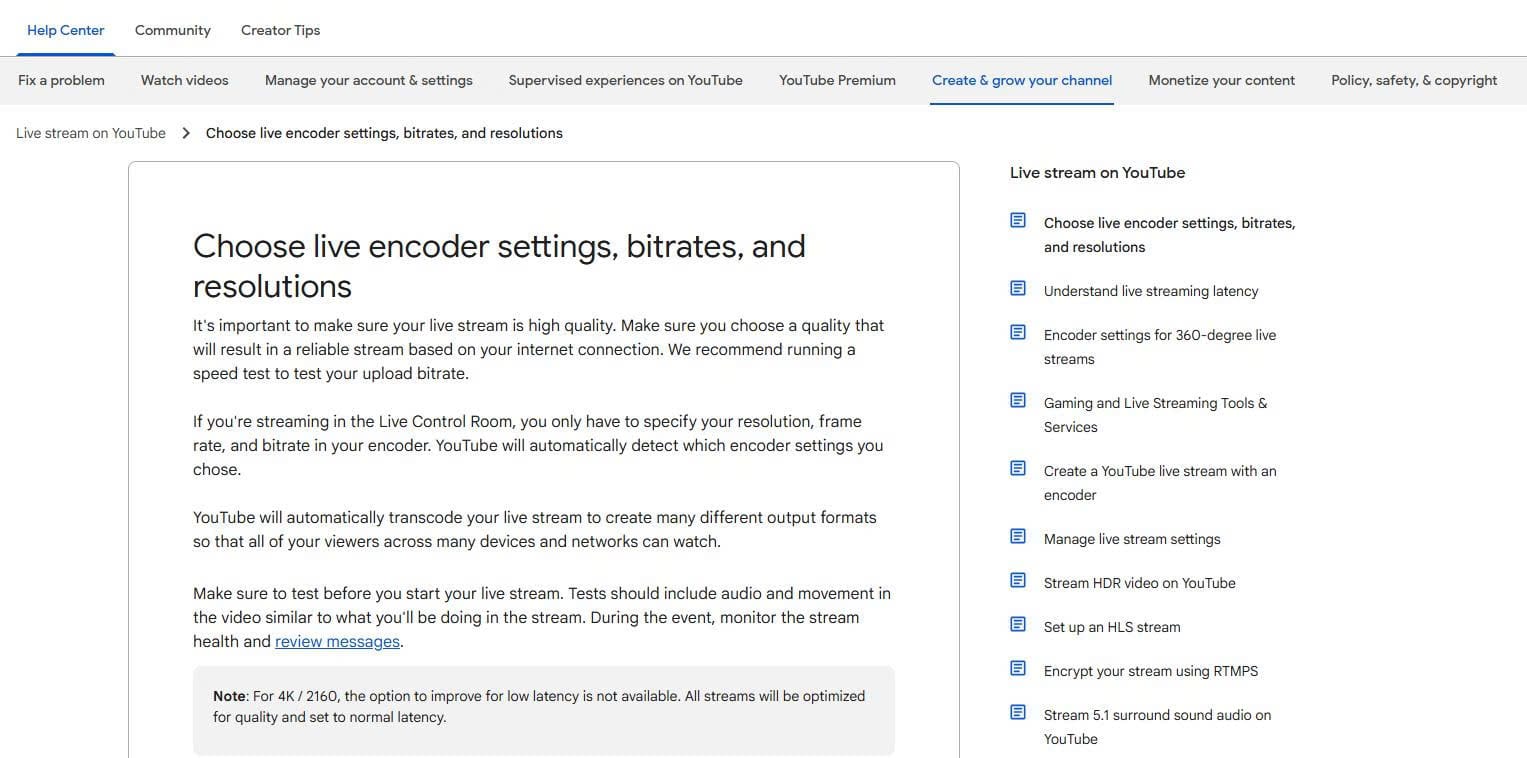
YouTube live streaming encoder settings documentation showing recommended bitrates and resolutions.

Latency Modes and Buffer Stability

Latency is the time between an event occurring at the source and that event appearing on the viewer’s screen.

Lowering it removes some of the safety margin used to absorb temporary network variation.

YouTube describes this relationship explicitly. Its current live settings provide Normal, Low, and Ultra-low latency. Most viewers in Low latency are expected to experience less than 10 seconds of latency, while most viewers in Ultra-low latency are expected to experience less than five seconds. YouTube also warns that lower latency reduces the player’s read-ahead buffer and makes playback problems more noticeable.

YouTube characterizes Normal latency as the highest-quality option with the lowest likelihood of viewer buffering, while Ultra-low is intended for highly interactive streams and carries a greater buffering risk. 4K is not supported in its Low or Ultra-low modes.

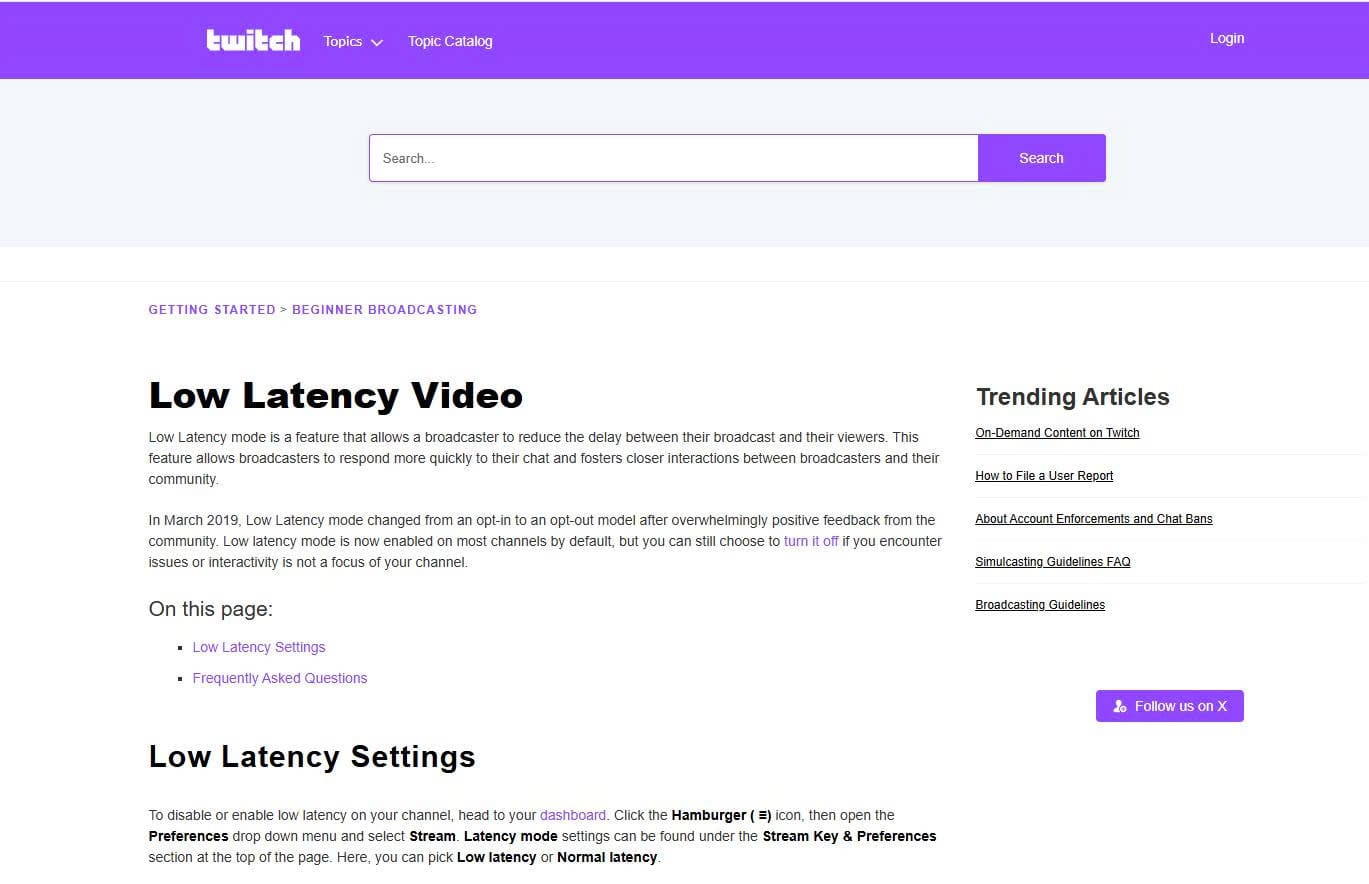
Twitch similarly offers a Low Latency mode intended to reduce the delay between broadcaster and audience and improve rapid interaction with chat.

The comparison should therefore include more than average delay.

Measure:

Metric

What it reveals

End-to-end delay

Distance from real-time source

Buffering events

Stability

Total buffering time

Severity of interruptions

Quality switches

Adaptive degradation

Lowest selected resolution

Network pressure

Recovery time

Ability to return to normal

The fastest stream is not automatically the best stream.

A viewer using unstable Wi-Fi, a congested mobile connection, or an older device may have a better experience with a 10-second stable stream than a three-second stream that repeatedly freezes.

Repeatable End-to-End Delay Measurements

Do not estimate latency by listening to two browser windows and deciding that one “feels faster.”

Create an event whose time is visible at the source.

A practical test can use:

14:30:00.000 — source event occurs

Then record when the same event becomes visible:

Platform A: 14:30:03.8

Platform B: 14:30:07.2

Platform C: 14:30:12.9

Measured delay becomes:

A = 3.8 secondsB = 7.2 secondsC = 12.9 seconds

Repeat the test several times rather than trusting one sample.

Network congestion can change delay during a broadcast. YouTube specifically notes that congestion and other network conditions can introduce additional live delay even when average available bandwidth appears sufficient. Trợ Giúp Google

Record at least:

start of broadcast15 minutes30 minutesbusy sceneafter a buffering event

This reveals whether a player gradually drifts farther behind the source.

Video Timeline and Chat Delivery Independence

Chat should not be used as the sole clock for measuring video latency.

The video and chat systems perform different work.

YouTube Live Chat can display Top Chat or All Chat, and YouTube provides separate moderation controls capable of holding potentially inappropriate live-chat messages for review.

Twitch also provides moderation features that can intentionally add a short delay to non-moderator messages, giving moderators or bots time to remove content before it becomes visible to other viewers.

Therefore, this sequence is possible:

Streamer says something at T+0

Platform A video displays it at T+4

Platform A chat reaction appears at T+5

Platform B video displays it at T+9

Platform B chat reaction appears at T+7

A viewer on Platform B can appear to “react before the event” because the chat and video timelines have accumulated different delays.

This becomes even more confusing when the same audience uses different devices. A mobile application may refresh, reconnect, or render chat differently from a desktop browser.

For comparison, record separate timestamps:

Event

Video visible

First related chat

Difference

Goal scored

21:14:05.2

21:14:05.8

+0.6 sec

Streamer question

21:22:11.5

21:22:13.4

+1.9 sec

Match result

22:03:04.0

22:03:03.1

−0.9 sec

A negative value does not mean time moved backward. It means some chat users were seeing a video timeline closer to the source than the viewer performing the measurement.

Direct Multistreaming and Relay Distribution

The broadcaster’s distribution method can create another source of unequal performance.

With direct multistreaming, the computer sends separate outbound streams to the destinations.

If three independent 6 Mbps video streams are being transmitted, the network must carry approximately three streams’ worth of video upload rather than one, before audio and protocol overhead are considered.

CPU or GPU requirements depend on how the software is configured. Multiple outputs that share one existing encoder can use fewer encoding resources than outputs that each create a separate encode. An OBS-hosted Multiple RTMP Outputs plug-in, for example, supports sharing the main encoder specifically to reduce additional encoding load. OBS Studio

A relay architecture changes this.

Restream states that its servers receive a single stream from the broadcaster, replicate it, and send it to the selected platforms. As a result, adding destinations through that relay does not multiply the broadcaster’s local upload bandwidth in the same way as directly transmitting separate streams. Trung Tâm Hỗ Trợ Restream

The comparison is:

Distribution

Local uploads

Local encoding load

Additional path

Direct, shared encode

Several

Lower than separate encodes

Direct platform ingest

Direct, separate encodes

Several

Higher

Direct platform ingest

Relay service

One main upload

Usually one main outgoing encode

Relay server before destination

A relay can remove local upload multiplication, but it also inserts another delivery stage. Therefore, relay and direct tests should not be mixed when evaluating platform latency.

Platform-Specific Frame Drop Isolation

When only one destination becomes unstable, do not immediately lower the quality of every stream.

First determine where the frames are being lost.

Twitch’s Broadcast Health guidance distinguishes bitrate and connection problems and recommends examining stream performance rather than assuming higher bitrate is always better. Its guidance notes that reducing an unstable bitrate by a few hundred kbps can materially improve connection stability with relatively small visual impact.

Twitch Inspector is also designed to evaluate the broadcaster-to-Twitch connection and bitrate behavior.

A useful fault-isolation record is:

OBS rendering lag

If present, investigate GPU rendering pressure or scene complexity.

Encoder lag

If present, investigate CPU/GPU encoding capacity.

Network dropped frames

If present, investigate upload congestion, routing, ingest server, or connection quality.

Only Destination A unstable

Inspect that destination’s output log and ingest condition.

All destinations unstable simultaneously

Investigate the local encoder, router, ISP, or shared upload path first.

Relay input healthy but one output bad

Inspect the relay-to-platform destination and the affected platform.

Also check the platform’s official service-status resources or support notices when local logs are clean but only one service fails. A platform incident should not be diagnosed as an OBS problem merely because OBS is where the symptoms are first noticed.

Fixed Playback Conditions for Platform Comparison

Many casual comparisons are invalid before they begin.

For a fair test, use:

same physical network

Do not test one platform over Ethernet and another through mobile data.

same device

Different processors, browsers, televisions, and phones can have different codec-decoding capabilities.

same viewpoint

Watch the same camera feed and same moment.

fixed playback resolution

Do not compare Platform A at manually selected 1080p with Platform B left on Auto.

same window size or fullscreen condition

A 720p stream displayed in a small browser window can appear sharper than a compressed 1080p feed stretched across a large monitor.

same latency setting where possible

A normal-latency feed should not be used to conclude that another platform is inherently faster when the second has been deliberately configured for low latency.

YouTube’s own documentation illustrates why this matters: Normal, Low, and Ultra-low are deliberately different modes, with different interaction, buffering, resolution, and delay characteristics.

Automatic quality is particularly unsuitable for controlled testing. The two players may independently choose different renditions based on recent throughput and buffer health.

Set the same resolution manually and confirm it stays fixed during the measurement.

Practical Comparison Record

A repeatable test can be recorded on one sheet:

Source resolution: 1920 × 1080Source frame rate: 60 fpsSource codec: H.264Source bitrate: 6 MbpsDistribution: direct / relayTest connection: same Ethernet networkPlayback device: same computerPlayback quality: manually fixedTest event: same timestamped source event

Then record each platform:

Metric

Platform A

Platform B

Player resolution

1080p60

1080p60

Delay sample 1

4.1 sec

7.7 sec

Delay sample 2

4.6 sec

8.2 sec

Buffer events / 30 min

2

0

Automatic quality drops

1

0

Fine-detail quality

Better/Worse

Better/Worse

Chat reaction offset

+1.2 sec

−0.8 sec

Source-side frame loss

0%

0%

The numbers above are only an example of how to record a test, not expected performance for any particular service.

The final judgment should also remain specific.

“Platform A was 3.6 seconds faster under this test configuration”

is defensible.

“Platform A is always faster”

is not.

Video quality depends on the source encode, the platform’s processing and available renditions, the scene being encoded, and the viewer’s selected quality. Delay depends on latency mode, buffering, network conditions, and playback state. Chat follows another delivery and moderation path entirely. Multistreaming architecture adds another variable before any of those systems begin.

The most useful comparison is therefore built in this order:

identical source → documented destination encode → fixed viewer conditions → timestamped latency → buffering record → image-quality comparison → independent chat timing → transmission logs

Only after those variables are controlled does a difference between two platforms become meaningful.