How to Check Seeds, Peers, and Network Conditions When Download Speeds Are Slow
Have you ever added a large file to your BitTorrent client, eagerly anticipated the download, and watched in frustration as the speed flatlines at zero or crawls at a painful few kilobytes per second? When a P2P download moves much slower than expected, it is rarely a random glitch. It points directly to a specific bottleneck hiding somewhere within the swarm, your client configurations, or your local network environment.
Understanding how peer-to-peer networks function is the first step toward reclaiming your maximum bandwidth. Rather than blindly restarting your router or abandoning the file, you need a systematic diagnostic approach. This comprehensive guide will walk you through how to inspect seeds and peers, decode network bottlenecks, and utilize a rapid troubleshooting matrix to fix slow download speeds.
Decoding the Swarm: Seeds, Peers, and the Numbers That Matter
To fix a slow download, you must first understand the ecosystem you are connecting to, commonly referred to as the "swarm." In a peer-to-peer network, your download speed is directly proportional to the number of participants sharing the file data.
- Seeds (Seeders): These are network users who possess 100% of the target file and are continuously uploading data pieces to other participants. A healthy swarm requires a high concentration of seeds.
- Peers (Leechers): These are users who are currently downloading the file. While they do not have the complete file yet, they actively share the pieces they have already acquired with other connected peers.
When looking at your client, a common mistake is focusing solely on the total number of seeds in the swarm. A torrent might advertise 500 total seeds, but if your client is only connected to two of them, your speed will crawl. This discrepancy points to a reachability problem rather than a general lack of availability on the network. Similarly, if a torrent has a massive number of peers but virtually no seeds, the download will stall because peers can only share fragments they have successfully downloaded, creating a cascading bottleneck.
How to Inspect Seed and Peer Data in Major Clients
While the user interfaces of BitTorrent applications differ, the core diagnostic data remains consistent across all major software. Knowing where to look in your specific client is essential for quick troubleshooting.
- qBittorrent: Look at the main transfer list columns labeled "Seeders" and "Leechers." By clicking on a specific torrent, you can open the detailed tab at the bottom labeled "Trackers" to see individual tracker URLs and their reported seed counts. If columns are missing, right-click the column header bar and enable them.
- uTorrent & BitTorrent: The main interface displays "Seeds" and "Peers." Navigating to the bottom pane opens a dedicated "Peers" tab, which details individual peer IP connections, client software types, and real-time upload speeds coming from each participant.
- Deluge & Transmission: These clients display primary swarm data directly in the main window, while detailed peer breakdowns and tracker statuses are organized neatly into sidebars or collapsible bottom panels.
The Rapid Troubleshooting Matrix: Symptoms, Causes, and Fixes
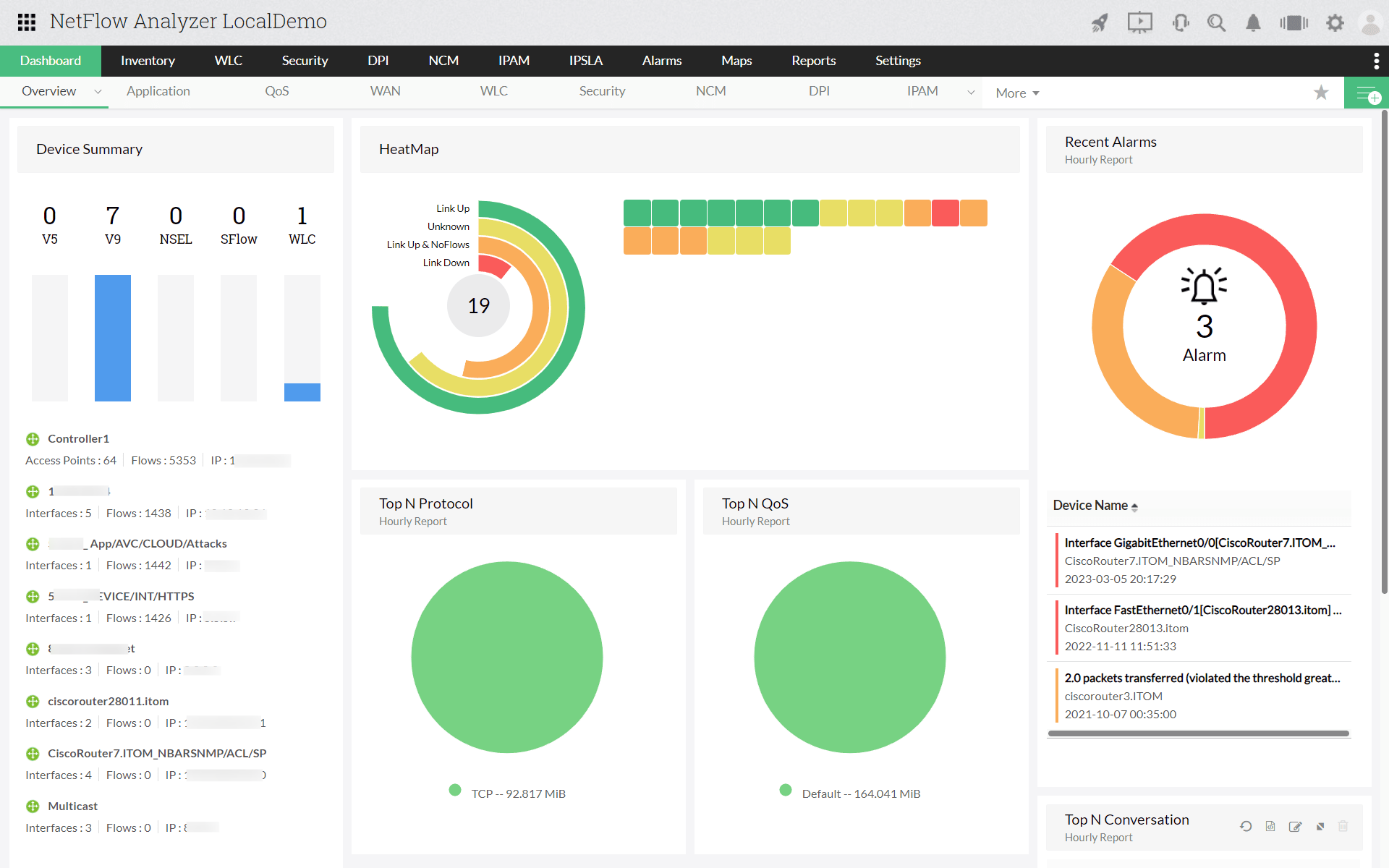
When diagnosing a sluggish download, using a structured matrix helps you quickly match your client's symptoms to the exact network cause and corrective action.
Diagnosing Beyond the Swarm: Network, ISP, and Tracker Bottlenecks
Even when a swarm exhibits healthy seed-to-peer ratios, local network impediments can severely throttle your performance. If your client shows zero download speed despite dozens of connected seeds, the bottleneck is residing on your local end.
- Port Forwarding and UPnP: BitTorrent relies heavily on incoming connections. Without an open port, your client can only connect to peers that do have open ports, drastically shrinking your network reach. Many modern routers support Universal Plug and Play (UPnP) to open ports automatically, but security settings sometimes disable it by default.
- ISP Traffic Throttling: Internet Service Providers frequently detect P2P traffic patterns and artificially throttle BitTorrent speeds during peak evening hours. If a general speed test shows blazing-fast bandwidth while your torrent crawls, throttling is likely occurring. Forcing protocol encryption in your client settings or utilizing a specialized VPN that supports port forwarding can effectively bypass this limitation.
- Tracker Health: Trackers act as the directories helping your client locate peers. If your trackers display "Error" or "Timeout," your client is blind to the swarm. Ensure you have at least two or three working trackers, and utilize the "Scrape" response data to verify active swarms.
Knowing When to Abandon Ship or Adjust Tactics
Not every slow download can be rescued. If a torrent displays an abysmal ratio - such as fewer than 5 connected seeds against more than 100 peers - the few available seeders will be completely overwhelmed, resulting in a crawl that could take weeks. In such scenarios, your best option is to leave it running in the background or hunt for an alternative release group with a healthier swarm. Furthermore, consider the age of the file; ancient torrents often suffer from permanent seed abandonment, making direct downloads or streaming services far more reliable alternatives.