How to Track Down Program Pages and Older VOD Content Removed After a Broadcaster Reorganization

Clicking a saved bookmark for a favorite TV program, documentary series, or local news broadcast only to be greeted by a "404 Page Not Found" error or an automatic redirect to a generic homepage is a common web frustration. Broadcasters frequently restructure their web portals, merge channel brands, or upgrade Content Management Systems (CMS), leaving years of accumulated program URLs completely broken.
However, a dead link does not automatically mean the video files were purged from the server. In most cases, older Video-on-Demand (VOD) assets are merely orphaned, moved to new subdirectories, or hidden from front-page navigation menus. Learning how to navigate server redirects, use advanced search engine operators, and leverage digital web archives helps you track down missing program pages and recover lost VOD content efficiently.
The technical reasons behind dead program links and redirects
To recover a missing VOD page, you must first understand what happens behind the scenes during a major broadcaster website overhaul.
Broken URLs caused by CMS migrations and channel rebrands
When a television network upgrades its web infrastructure (moving from an outdated Content Management System to a modern cloud architecture), the internal URL database structure changes. Old page paths like broadcaster.com/shows/2018/drama-name are replaced by new directory patterns like broadcaster.com/watch/drama-name-s1.
If the IT team fails to map old URLs to new paths, your browser encounters a 404 error. Alternatively, network administrators set up global "301 Redirects" that automatically bounce all broken links back to the main homepage, hiding the fact that the specific show page still exists somewhere deeper in the system.
Unlinked VOD pages hidden inside broadcaster databases
When a broadcaster loses the primary airing rights to a show or decides to promote newer programming, web editors remove the old show from the main navigation menus and search dropdowns.
However, web editors rarely delete the actual HTML pages or video assets from their cloud storage servers. The program page becomes an "orphan page"—it remains active on the server, but no links on the main website point to it. Internal site search bars often fail to index these unlinked pages, making them appear completely lost to casual viewers.
A simple decision guide for choosing the right recovery tool
To select the most effective recovery tool based on the specific information or media file you are trying to locate, use this operational decision guide:
Advanced search techniques for unearthing unlinked program pages
When internal site search bars fail, external search engines equipped with advanced operators can index hidden server paths.
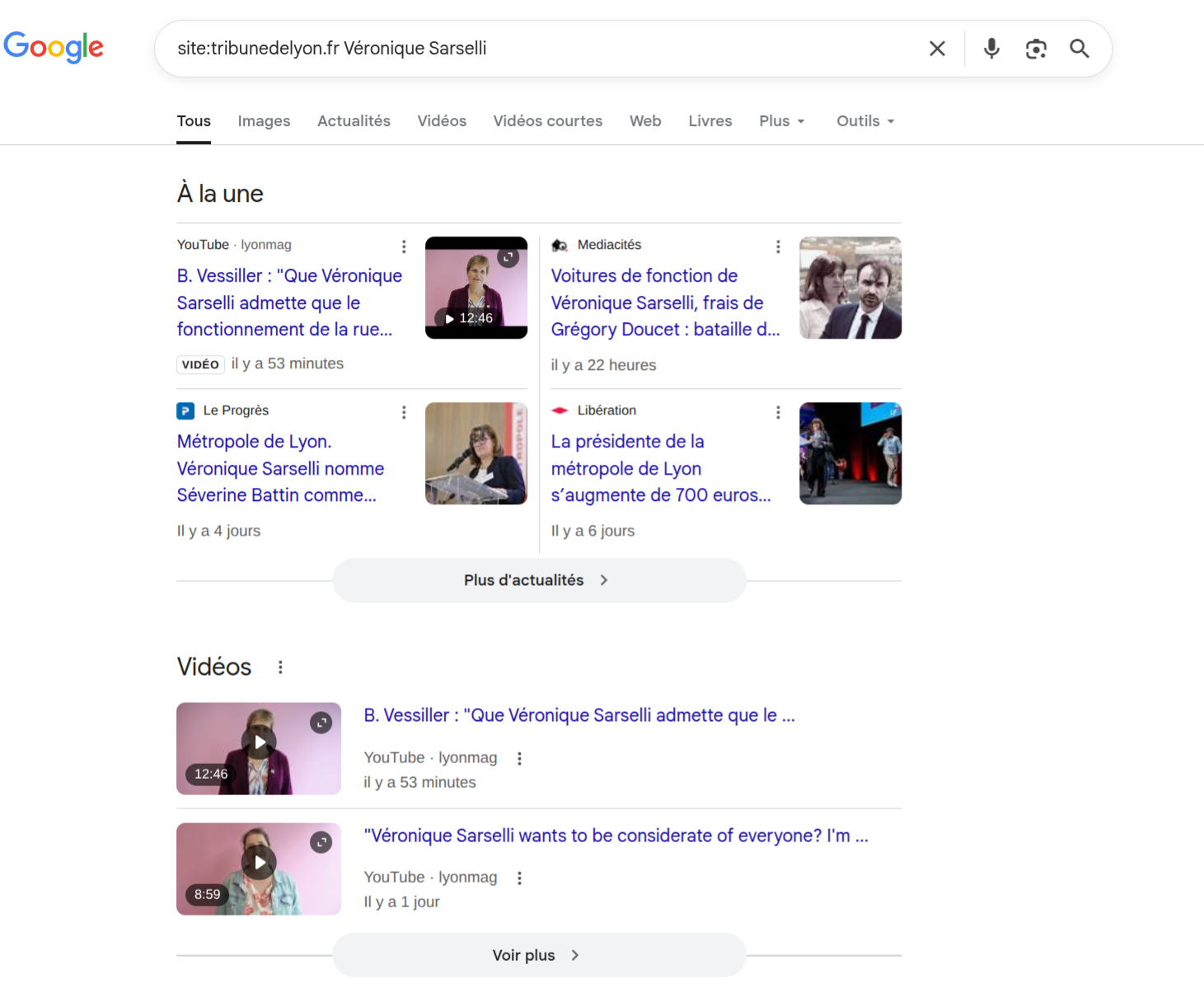
Google site: search queries for hidden domain paths
Search engine crawlers index web pages far more aggressively than internal website search bars. By using Google's site: operator, you can force the search engine to scan every indexed page within the broadcaster's domain for your specific show title.
Try these advanced search strings in Google:
- site:broadcasterdomain.com "Program Title" — Restricts search results strictly to the official network domain.
- site:broadcasterdomain.com "Program Title" inurl:vod — Filters for pages containing "vod" or "watch" in the URL structure.
- site:broadcasterdomain.com "Program Title" "Episode 1" — Pinpoints specific archived episode listings.
If the page was merely unlinked from the main menu, these queries will frequently surface the direct URL to the hidden VOD page.
Wayback Machine snapshots and broken media stream limits
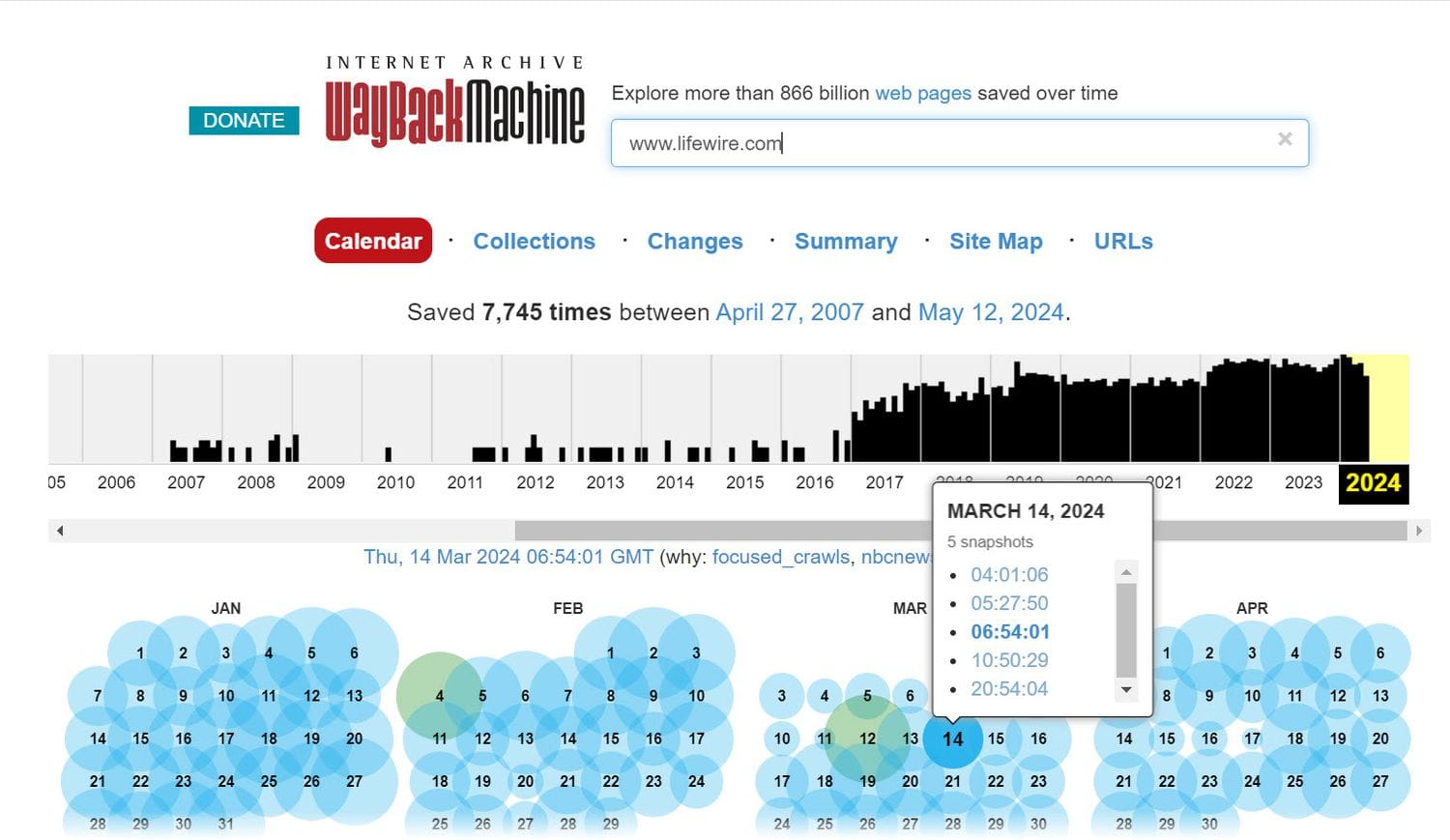
If a site: query confirms the page was completely deleted from the live server, turn to the Wayback Machine (web.archive.org). The Internet Archive routinely takes historical snapshots of public web pages. Entering the dead program URL into the Wayback Machine allows you to view the exact page layout, read episode synopses, and recover cast lists as they appeared years ago.
However, understand the technical limits of web archives: while the Wayback Machine preserves HTML text and static images, it rarely plays embedded video streams. Video players rely on active media streaming servers (.mp4 or .m3u8 data streams). When a broadcaster takes those media servers offline, the video player on the archived snapshot will display a loading error.
Solutions when a program is permanently removed from free platforms
When a broadcaster's licensing agreement expires entirely, the video files are removed from the server. In this scenario, you must look outside the original network.
Secondary licensing deals on paid streaming services
Broadcasters frequently sell the secondary streaming rights of older programs to subscription VOD platforms (such as Netflix, Hulu, or regional OTT apps). If a show disappears from a free network site, search for the title on cross-platform aggregators like JustWatch. The program may now be available to stream legally under a new subscription service.
Physical DVD and Blu-ray archive alternatives
For local productions, niche documentaries, or legacy broadcasts that never transition to subscription apps, physical media remains the ultimate fallback. Searching secondary marketplaces for official DVD or Blu-ray box sets ensures you retain permanent ownership of the content, insulating your viewing collection from future website restructurings and digital licensing expirations.
Answers to common questions about missing broadcaster VODs
Why does a bookmarked TV show link redirect to a generic homepage instead of showing a 404 error?
A: Network IT teams configure automatic "301 Permanent Redirects" on old URL paths. Instead of displaying a broken 404 page (which hurts search engine rankings), the server automatically routes lost visitors back to the main homepage.
Can I play the video on a Wayback Machine snapshot if the page opens?
Almost never. The Internet Archive saves the static HTML text and images of a webpage, but it does not store the massive multi-gigabyte video files hosted on the broadcaster's private media streaming servers.
What should I do if a show is completely missing from all online search results?
Search official press releases, university library archives, or studio production catalogs using the show's exact title and production year. If the show was a public broadcast, state or national library archives often maintain physical reference copies for public viewing.